Your own booking website,
ready in 5 minutes.
Paste your Airbnb or Booking.com link: HomestAI builds your site, and guests book with you directly, with no commission.
- Built from your listing
- No commission on direct bookings
- Found on Google
14-day free trial · No credit card
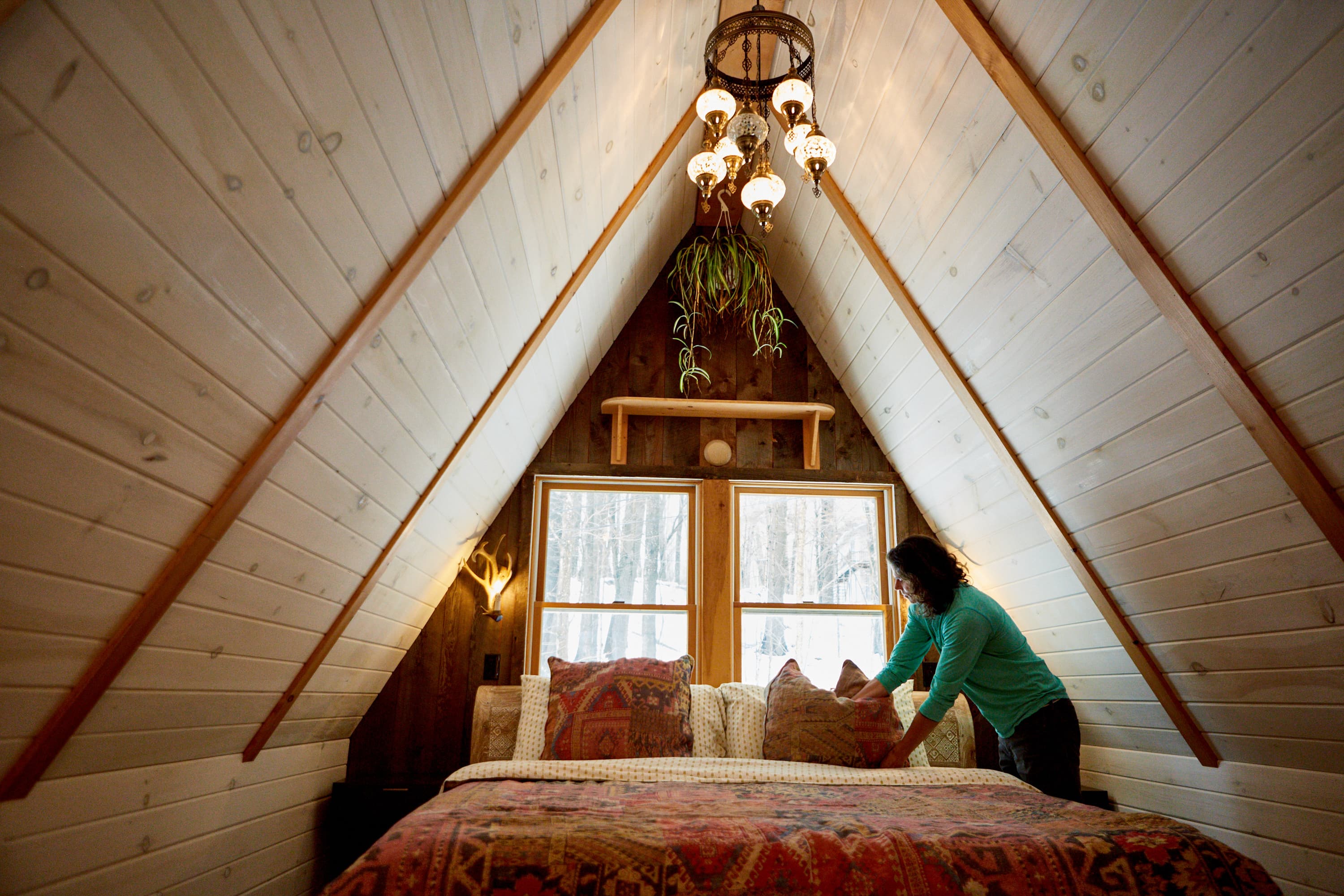
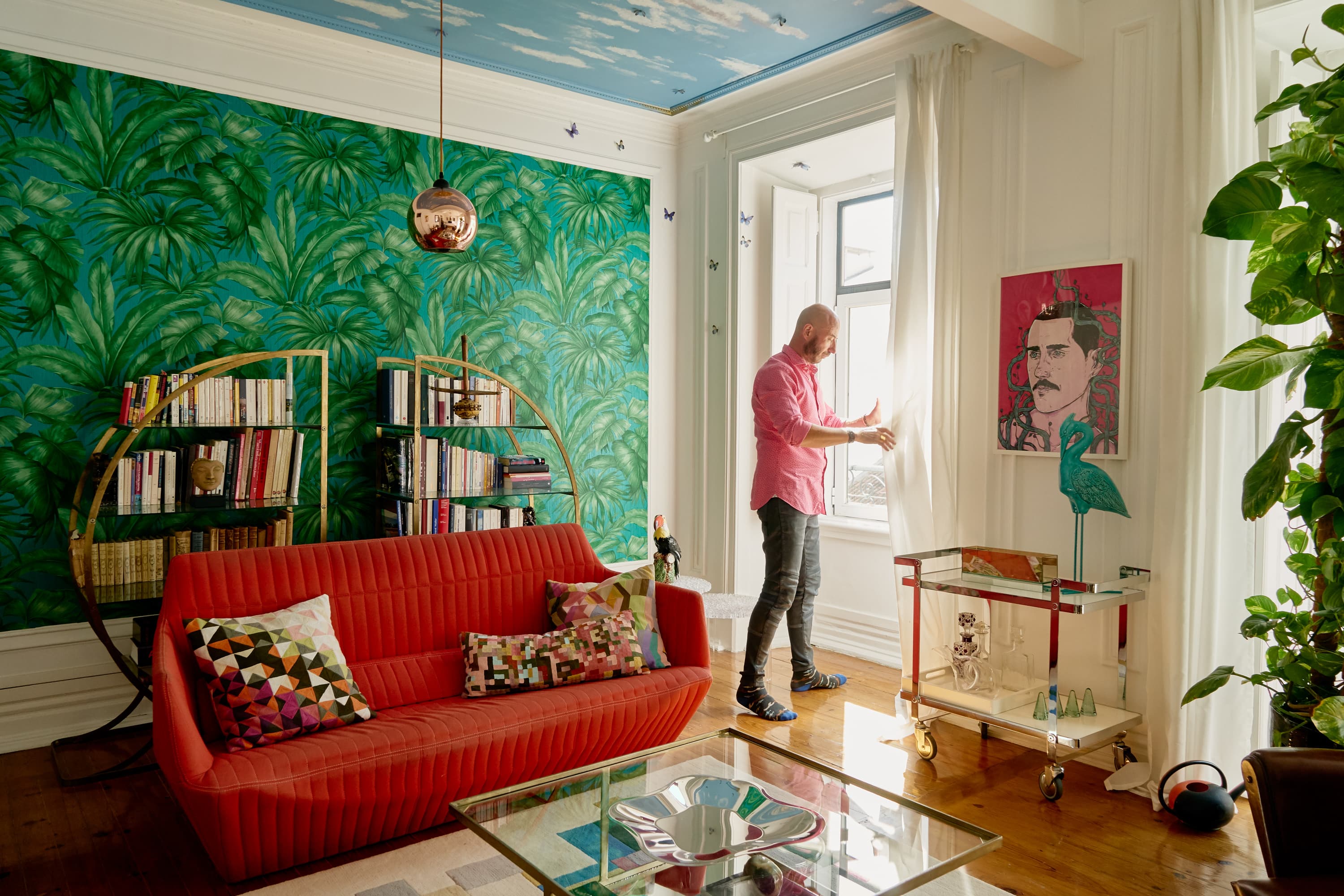
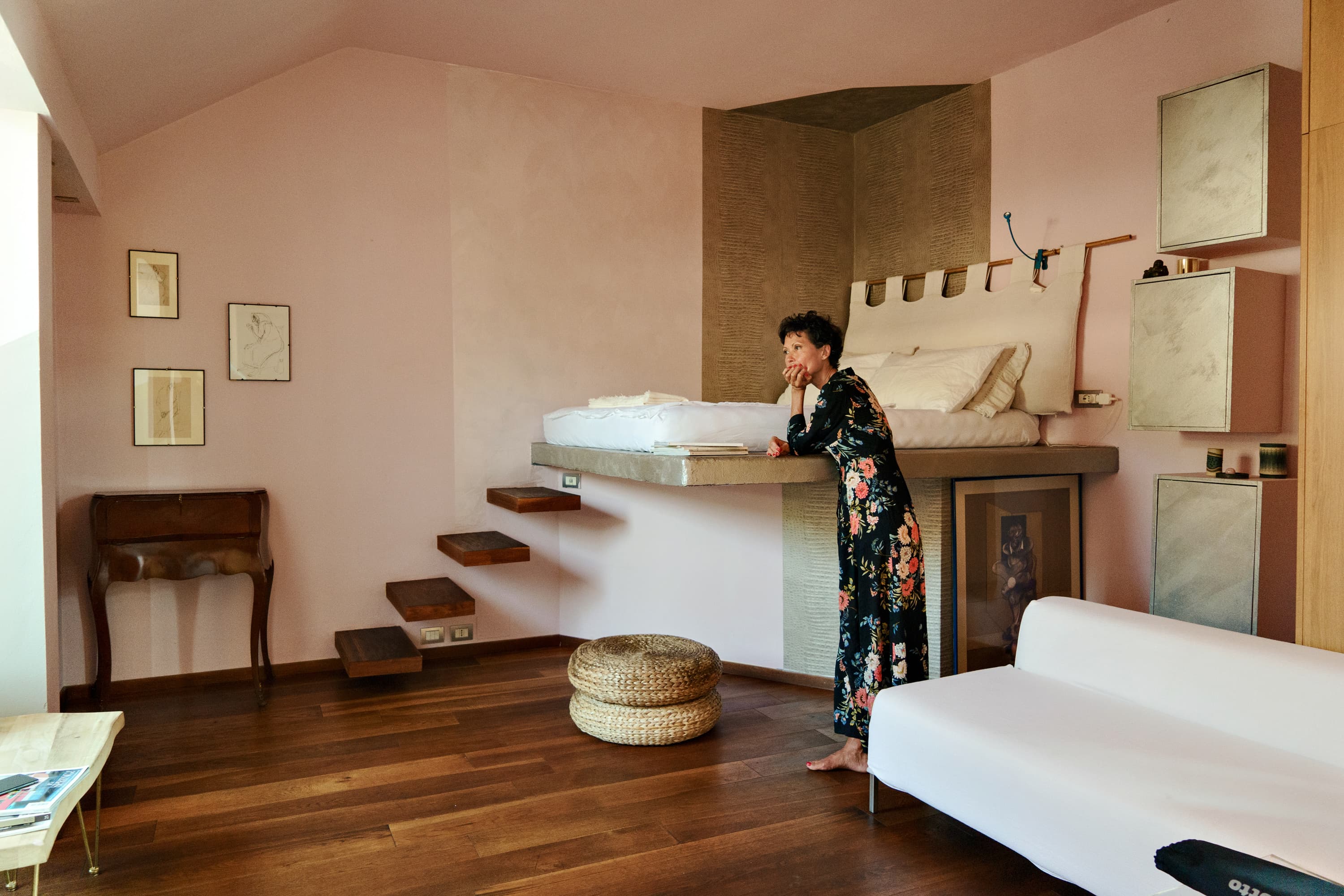
Paste your listing link
Airbnb, Booking.com or Google Maps: photos, description, amenities and address come in by themselves.
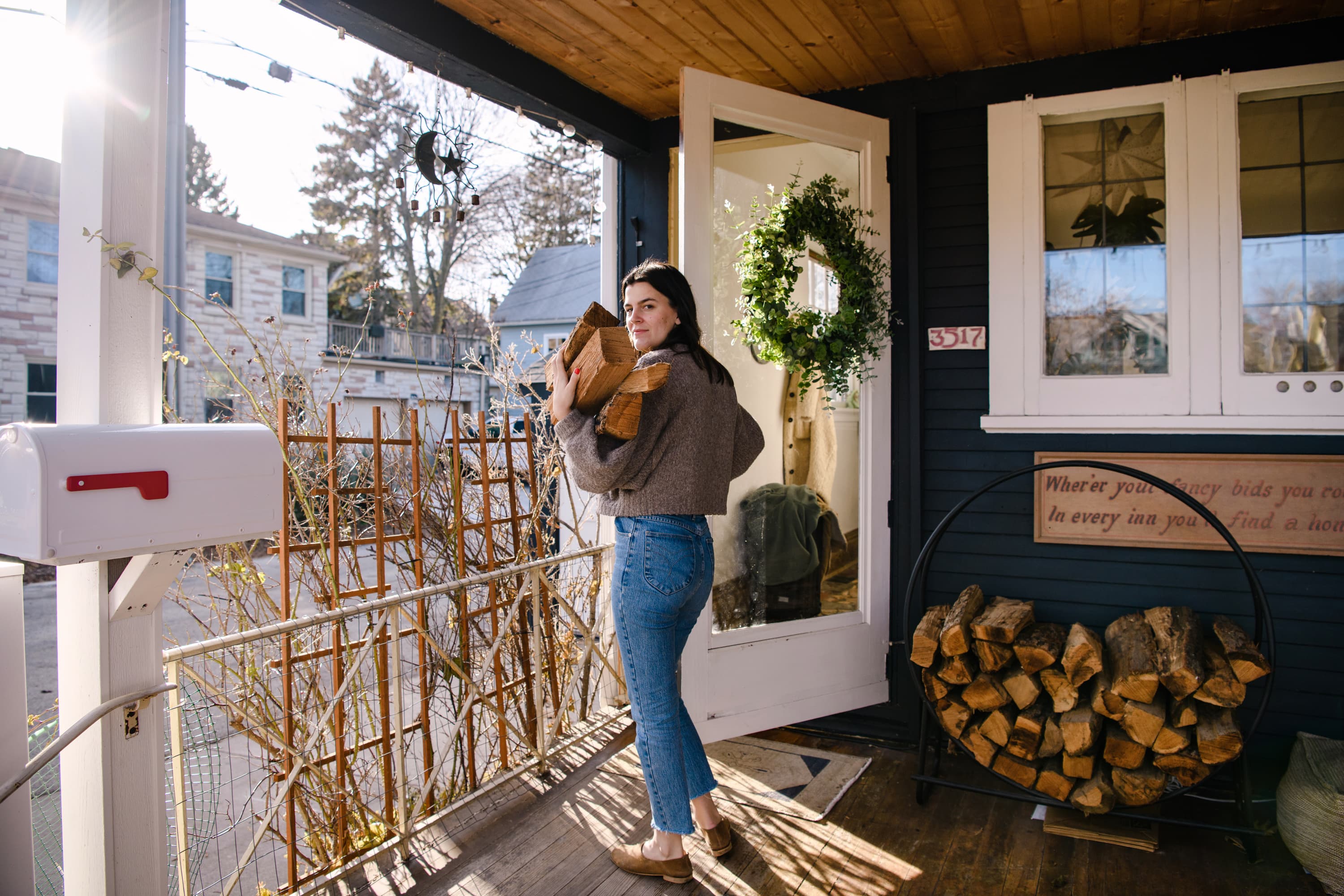

Import your listing
Paste your Airbnb or Booking URL. We extract your photos, description, amenities and location automatically.
Pick a template & style
Choose from 6 professionally designed templates. Customize colors to match your brand.
Go live in minutes
Your site is published on a free homestai.com subdomain. Add your own domain anytime.
Get your property on Google Maps in 30 minutes.
Six steps, each in a 10-second video. 100% free, no paid tools.
- 01
Create your Google Business Profile 5 min
On business.google.com, click “Manage now” and enter your property’s name, the same one as on Airbnb.
Open Google Business - 02
Pick the right category 2 min
Primary category “Lodging”, then your type: vacation home, B&B, guest house or cottage.
- 03
Enter your address 3 min
The exact address ranks best. Hosting at home? Show only your area.
- 04
Verify your business via video 5 min + 24–48 h
One continuous clip in daylight: house number, façade, a detail inside.
- 05
Optimize your profile 15 min
10+ photos, a 500–750 character description, open 24/7, phone and email.
- 06
Enable the “Website” button 2 min
Paste your booking site’s address: Maps visitors book with you, with no commission.
Once you’re on Google Maps…
The “Website” button on your profile sends visitors to your booking page. With HomestAI, that site is generated in 5 minutes from your Airbnb or Booking listing.
Create your site (14-day trial)Built for Airbnb & Booking hosts
Keep 100% of your bookings. Own the relationship.
Custom domain
Use your own domain or a free homestai.com subdomain. SSL included.
Local SEO built in
Sitemap, structured data (address, rooms, FAQ) and step-by-step help with your Google Business Profile, so guests find you when they search your town.
Boutique-grade design, not a CM template
Classic, Modern, Coastal, Boutique, Alpine, Minimal — 6 templates designed to look like a high-end hotel site, not a generic channel-manager booking page.
Direct bookings
Take bookings with HomestAI checkout, your channel manager, or a link to Airbnb/Booking.com.
Transparent pricing
Flat monthly subscription, no commission on your bookings. No hidden fees.
CM-independent
Smoobu, Beds24, Hospitable… your channel manager is a connector, not a dependency. Switch CM and your HomestAI site keeps running on your domain.
Simple, transparent pricing
14-day free trial. Cancel anytime.
- 1 property website
- Free homestai.com subdomain
- All templates
- Airbnb / Booking redirect
- Mobile-optimized
- SSL included
- Up to 3 properties
- Free homestai.com subdomains
- Channel manager (Smoobu, Beds24, Hospitable…)
- Embedded booking widget
- Priority support
- Up to 10 properties
- Free homestai.com subdomains
- Advanced channel manager
- Embedded booking widget
- Personalized onboarding
- Priority support
Connect your own domain free on any plan, or buy one in a click at the registrar’s price. All plans include a 14-day free trial.
“Our direct bookings doubled within a month of launching our HomestAI site.”
“Setup took 4 minutes. The photos imported automatically and the site looked stunning.”
“I save €800/month in Airbnb fees. Best investment I've made for my rental.”
Frequently asked questions
I already use a channel manager (Smoobu, Lodgify…). Why HomestAI?
Your CM probably includes a basic website, but that's a bundled feature — not a designed product. HomestAI is a dedicated site builder: boutique templates, your listing imported in minutes, top Core Web Vitals, local SEO. On the Pro plan, your HomestAI site embeds your CM's booking widget (Smoobu, Beds24, Hospitable) in an iframe — same calendar source, but a site that looks like a boutique hotel instead of a default Smoobu template. Bonus: switch CMs later and your HomestAI site keeps running.
Do I need technical skills to create my direct-booking website?
No. Paste your Airbnb or Booking.com URL and HomestAI generates a complete website — photos, descriptions, pricing, and calendar — in under 5 minutes.
How does HomestAI help reduce platform commissions?
Bookings taken through your HomestAI site pay no commission — not to Airbnb, Booking.com or HomestAI. You pay the flat monthly subscription and standard payment-processor fees.
Can I use my own domain?
Yes, on every plan. Connecting a domain you already own is free, or you can buy one from your dashboard at the registrar’s price. SSL is included automatically.
Does HomestAI work for multi-property hosts and concierges?
Yes. The Max plan supports up to 10 properties and is built for conciergeries and boutique hotels managing multiple listings from one dashboard.
Is there a free trial?
Yes — every plan includes a 14-day free trial. No credit card required to start.
Ready to own your bookings?
Join hundreds of hosts who stopped paying platform fees.
Create your site for free